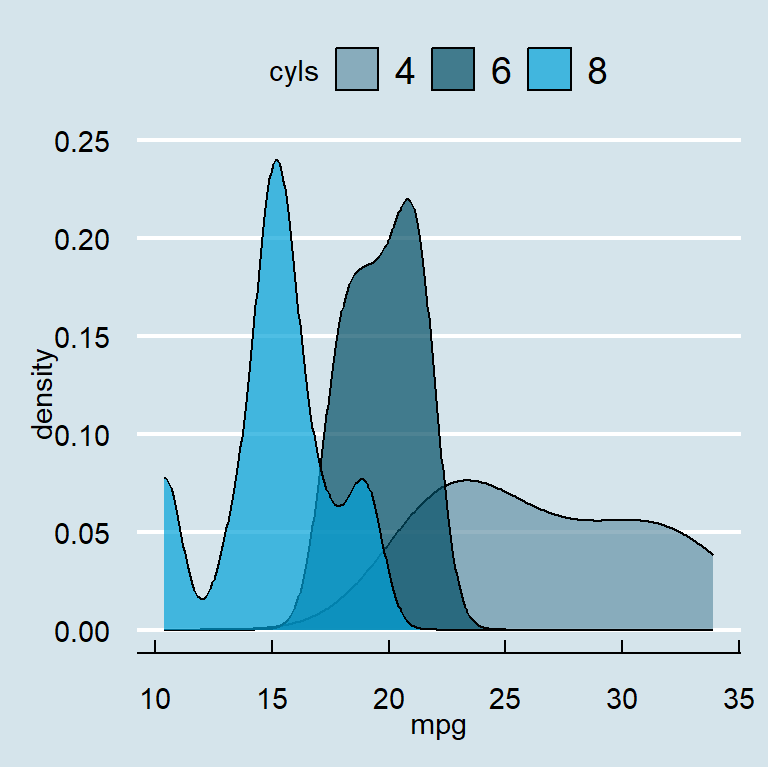
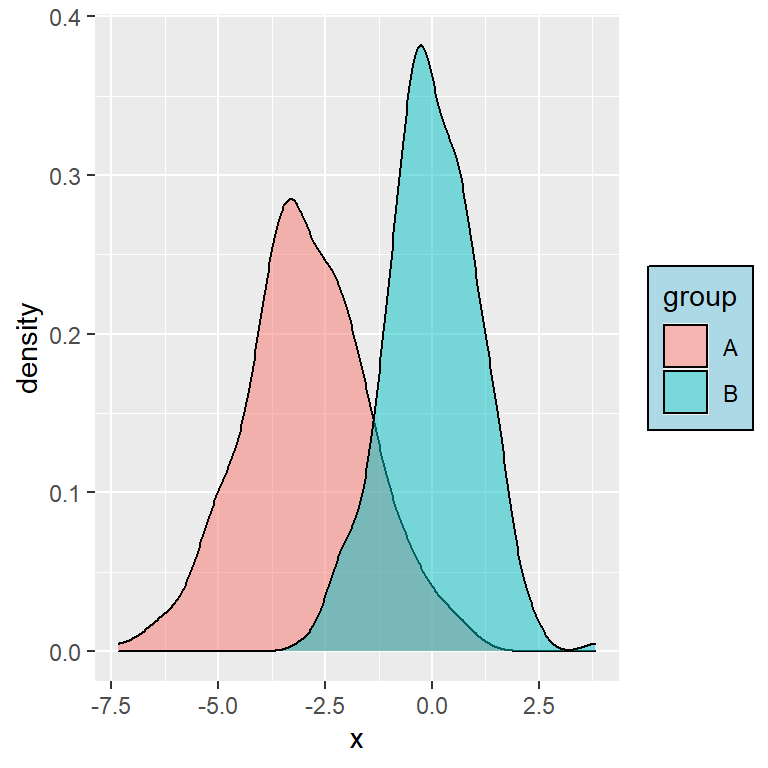
ggplot2 provides several functions, called color scales, to customize the colors of your plots. In this guide you will learn how to use them. If you are looking for a specific color you can check the full list of R colors with their HEX codes or choose one of the 497 ready to use R color palettes.
Default ggplot2 colors
When you map a categorical variable to color or fill ggplot2 uses evenly spaced hues of the HCL color wheel. These colors are generated with the hue_pal function of the scales package, so you can get the HEX codes of the default ggplot2 colors for any number of groups. Click on a color to copy its HEX code.
# Default ggplot2 colors for 4 groups
scales::hue_pal()(4)
color vs fill
ggplot2 has two arguments to set colors and choosing the right one is the most common source of confusion. color (or colour) changes the color of points, lines and borders, while fill changes the color of the inside of the shapes, such as bars, areas, box plots or the tiles of a heat map.
color
Use color for points and lines, as in a scatter plot by group.
ggplot(iris, aes(x = Sepal.Length, y = Petal.Length, color = Species)) +
  geom_point()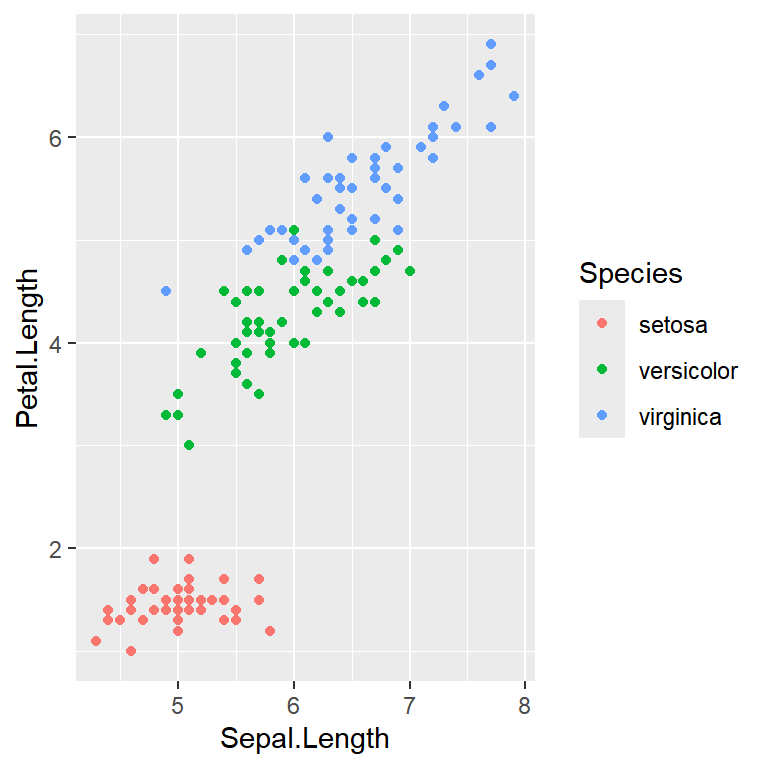
fill
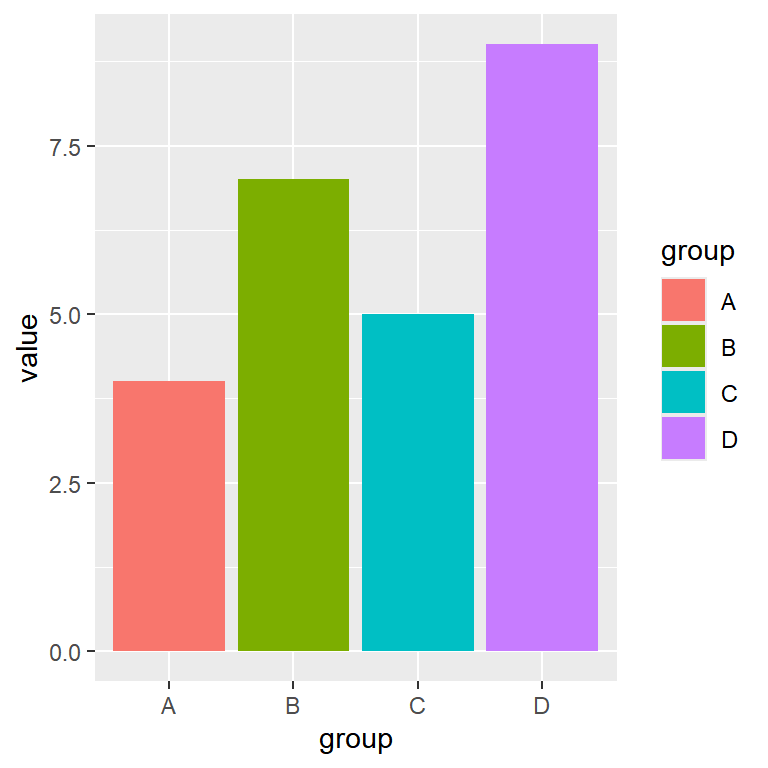
Use fill for the shapes with an area, as the bars of a bar plot.
ggplot(df, aes(x = group, y = value, fill = group)) +
  geom_col()
Note that if you set the argument inside aes the colors will be based on a variable and a legend will be created, while if you set it outside aes you will set the same color for all the elements.
Same color for all the elements
If you want to set the same color for all the elements pass a color to the color or fill argument of the geom, outside aes. You can use the name of a color, such as "steelblue", or its HEX code. Check the list of R colors to choose one.
ggplot(df, aes(x = group, y = value)) +
  geom_col(fill = "steelblue", color = "black")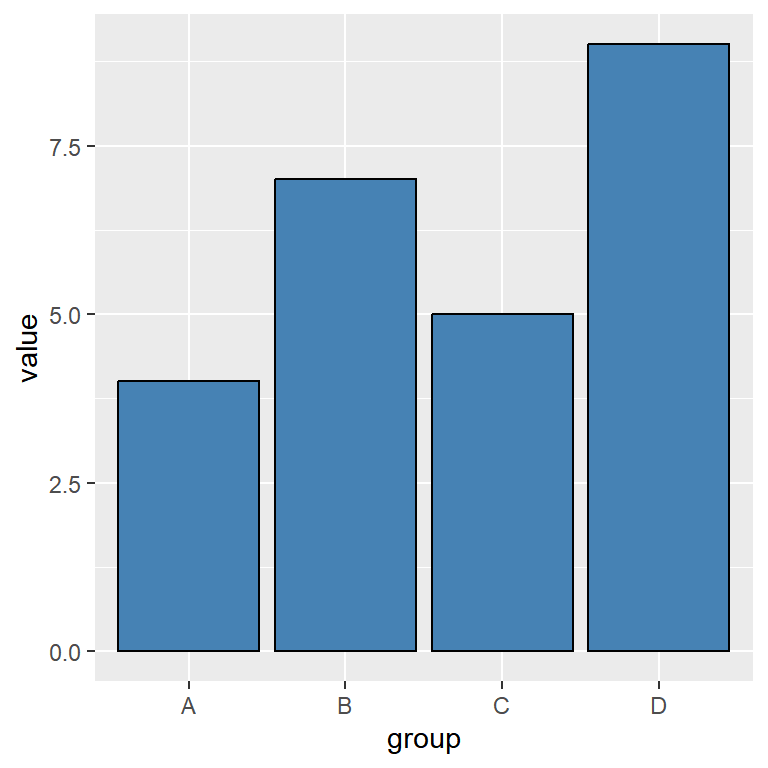
Custom colors with scale_color_manual and scale_fill_manual
The scale_color_manual and scale_fill_manual functions allow you to set your own colors for each group. You will need to pass a vector to the values argument with as many colors as groups. Use scale_color_manual when the variable is mapped to color and scale_fill_manual when it is mapped to fill.
Vector of colors
The colors are assigned to the groups in the same order as the levels of the categorical variable.
ggplot(df, aes(x = group, y = value, fill = group)) +
  geom_col() +
  scale_fill_manual(values = c("#264653", "#2A9D8F", "#E9C46A", "#E76F51"))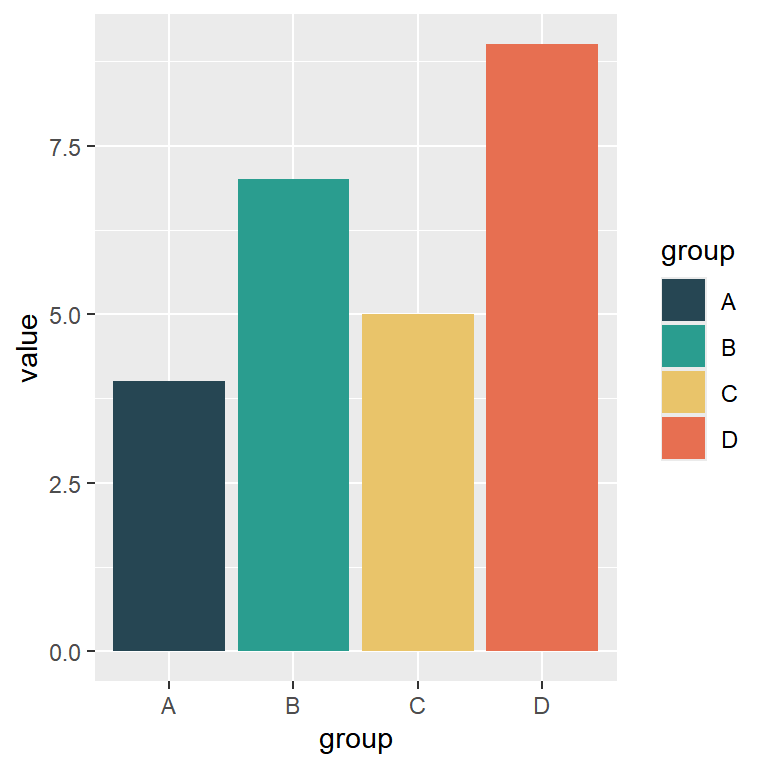
Named vector
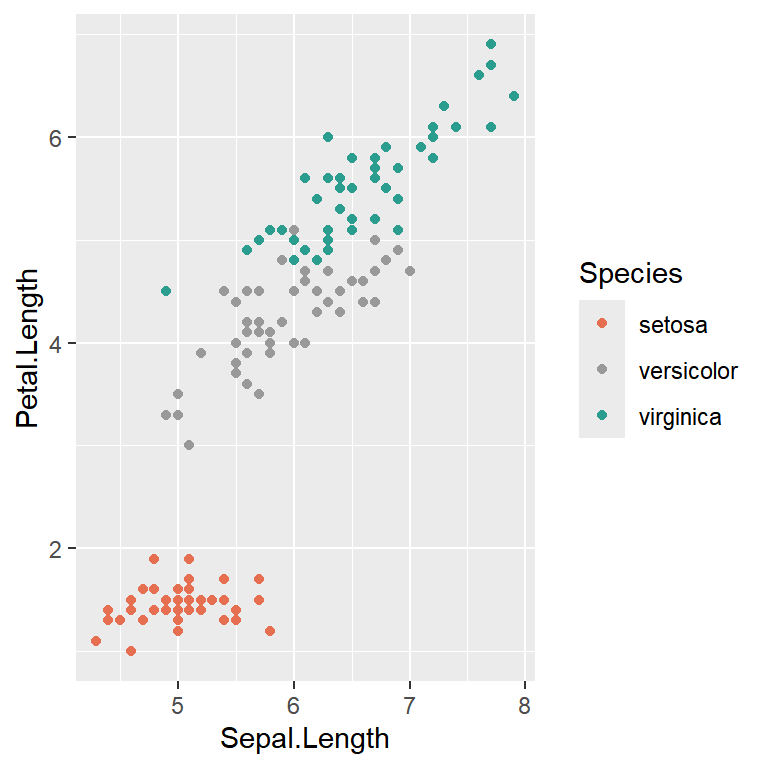
If you want to assign a specific color to each group use a named vector, where the names are the groups. This is very useful to highlight some groups or to keep the same color for each group in different plots.
ggplot(iris, aes(x = Sepal.Length, y = Petal.Length, color = Species)) +
  geom_point() +
  scale_color_manual(values = c(setosa = "#E76F51",
                                versicolor = "grey60",
                                virginica = "#2A9D8F"))
Note that you can also change the labels and the title of the legend with the labels and name arguments of these functions. See the guide about legends in ggplot2 for further details.
RColorBrewer palettes
The scale_color_brewer and scale_fill_brewer functions provide the palettes of the RColorBrewer package, which are designed to be easy to read. Pass the name of the palette to the palette argument.
Choose a palette
These are the qualitative palettes, recommended for categorical data. Note that each palette has a maximum number of colors (between 8 and 12). Type RColorBrewer::display.brewer.all() to see all the available palettes, including the sequential and diverging ones.
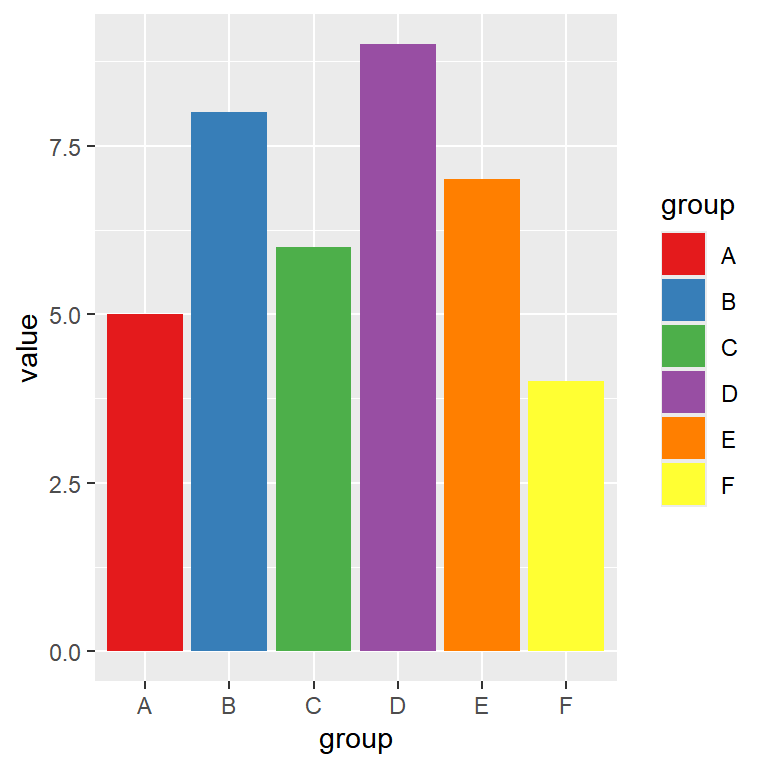
ggplot(df6, aes(x = group, y = value, fill = group)) +
  geom_col() +
  scale_fill_brewer(palette = "Set1")
ggplot(df6, aes(x = group, y = value, fill = group)) +
geom_col() +
scale_fill_brewer(palette = "Set2")ggplot(df6, aes(x = group, y = value, fill = group)) +
geom_col() +
scale_fill_brewer(palette = "Set3")ggplot(df6, aes(x = group, y = value, fill = group)) +
geom_col() +
scale_fill_brewer(palette = "Dark2")ggplot(df6, aes(x = group, y = value, fill = group)) +
geom_col() +
scale_fill_brewer(palette = "Paired")ggplot(df6, aes(x = group, y = value, fill = group)) +
geom_col() +
scale_fill_brewer(palette = "Pastel1")ggplot(df6, aes(x = group, y = value, fill = group)) +
geom_col() +
scale_fill_brewer(palette = "Pastel2")ggplot(df6, aes(x = group, y = value, fill = group)) +
geom_col() +
scale_fill_brewer(palette = "Accent")Viridis palettes
The viridis palettes are perceptually uniform and colorblind friendly, and they also look good when printed in grayscale. For categorical data use scale_color_viridis_d or scale_fill_viridis_d and choose the palette with the option argument.
Choose a palette
Note that you can pass the name of the palette or its letter, from "A" (magma) to "H" (turbo). The default option is "viridis" ("D").
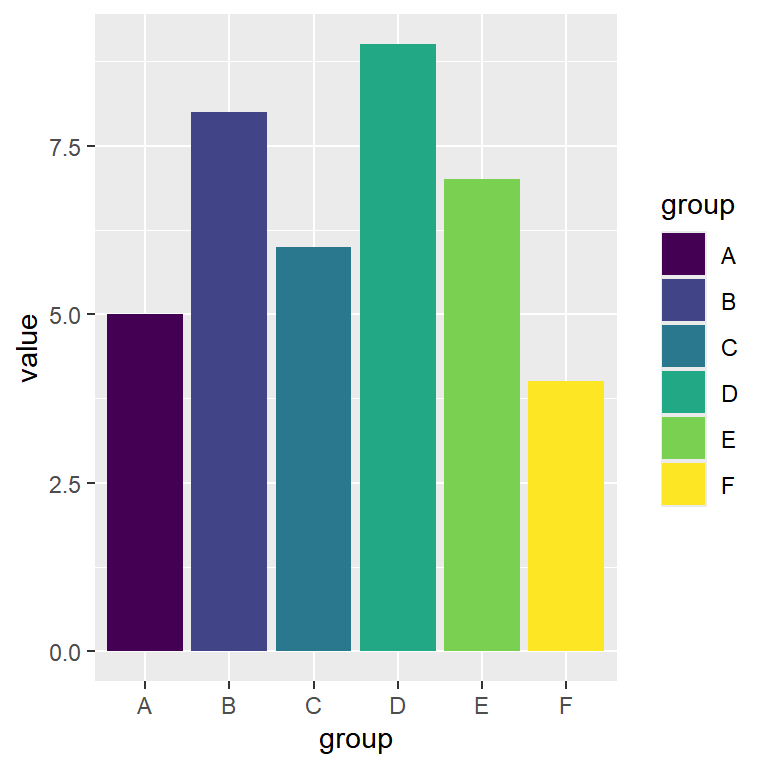
ggplot(df6, aes(x = group, y = value, fill = group)) +
  geom_col() +
  scale_fill_viridis_d(option = "viridis")
ggplot(df6, aes(x = group, y = value, fill = group)) +
geom_col() +
scale_fill_viridis_d(option = "magma")ggplot(df6, aes(x = group, y = value, fill = group)) +
geom_col() +
scale_fill_viridis_d(option = "inferno")ggplot(df6, aes(x = group, y = value, fill = group)) +
geom_col() +
scale_fill_viridis_d(option = "plasma")ggplot(df6, aes(x = group, y = value, fill = group)) +
geom_col() +
scale_fill_viridis_d(option = "cividis")ggplot(df6, aes(x = group, y = value, fill = group)) +
geom_col() +
scale_fill_viridis_d(option = "rocket")ggplot(df6, aes(x = group, y = value, fill = group)) +
geom_col() +
scale_fill_viridis_d(option = "mako")ggplot(df6, aes(x = group, y = value, fill = group)) +
geom_col() +
scale_fill_viridis_d(option = "turbo")Other color palettes
There are lots of packages that provide color palettes, such as ggsci, wesanderson or MetBrewer. The paletteer package collects most of them and provides the scale_color_paletteer_d and scale_fill_paletteer_d functions, so you can use any palette passing its name in the format "package::palette". Check the collection of R color palettes to find the one you like the most and copy its name.
# install.packages("paletteer")
library(paletteer)

ggplot(df6, aes(x = group, y = value, fill = group)) +
  geom_col() +
  scale_fill_paletteer_d("nationalparkcolors::Arches")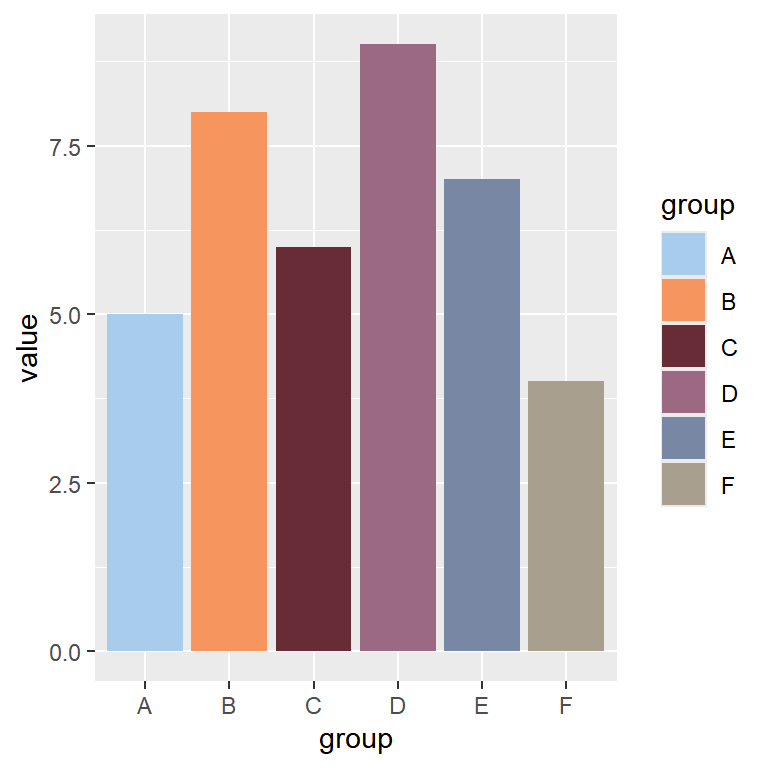
Gradient colors for continuous variables
When you map a numerical variable to color or fill ggplot2 creates a continuous color scale, which by default is a gradient of blues. In this section we are using the mtcars data set, coloring the points based on the horsepower (hp) of each car.
scale_color_gradient
Set the colors for the lowest and the highest values with the low and high arguments.
ggplot(mtcars, aes(x = wt, y = mpg, color = hp)) +
  geom_point(size = 3) +
  scale_color_gradient(low = "#FFE5B4", high = "#B22222")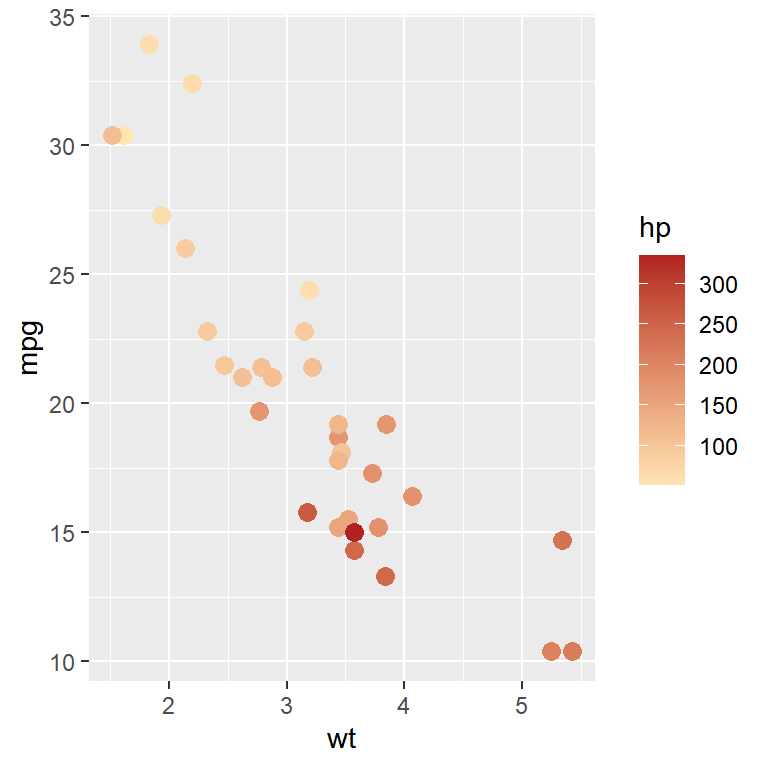
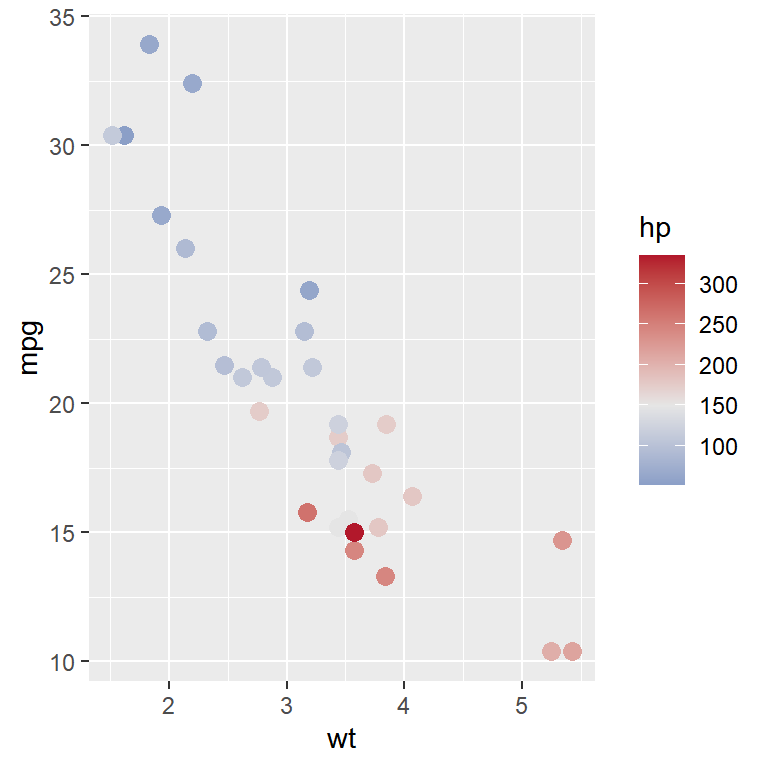
scale_color_gradient2
If you need a diverging gradient use scale_color_gradient2, which also includes the mid color and the midpoint argument to set the value of the center of the scale.
ggplot(mtcars, aes(x = wt, y = mpg, color = hp)) +
  geom_point(size = 3) +
  scale_color_gradient2(low = "#2166AC", mid = "grey90", high = "#B2182B",
                        midpoint = 150)
scale_color_gradientn
With scale_color_gradientn you can create a gradient with any number of colors, passing a vector to the colors argument. In this example we are using five colors of the "Zissou 1" palette with the hcl.colors function.
ggplot(mtcars, aes(x = wt, y = mpg, color = hp)) +
  geom_point(size = 3) +
  scale_color_gradientn(colors = hcl.colors(5, "Zissou 1"))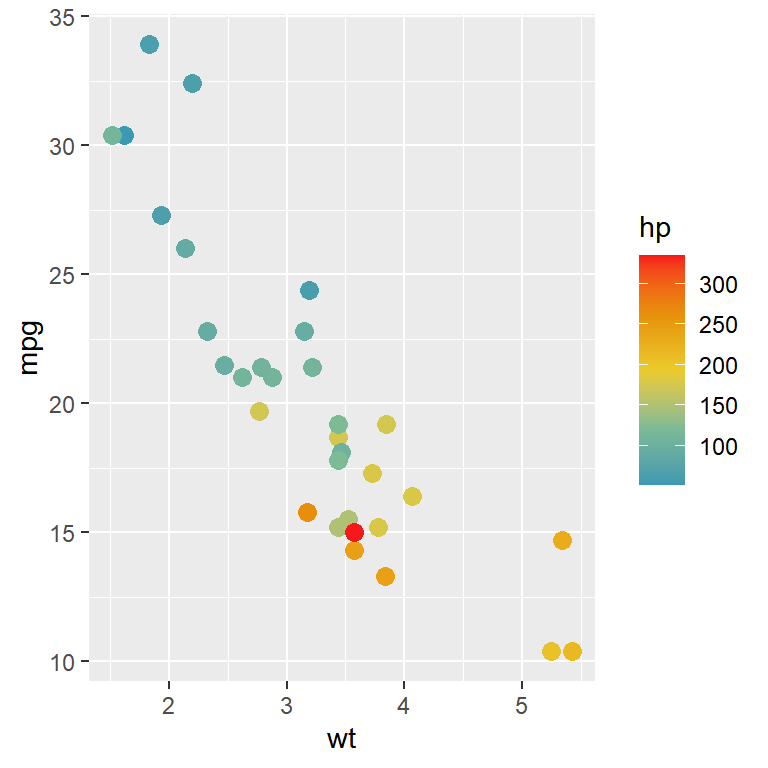
Viridis and RColorBrewer gradients
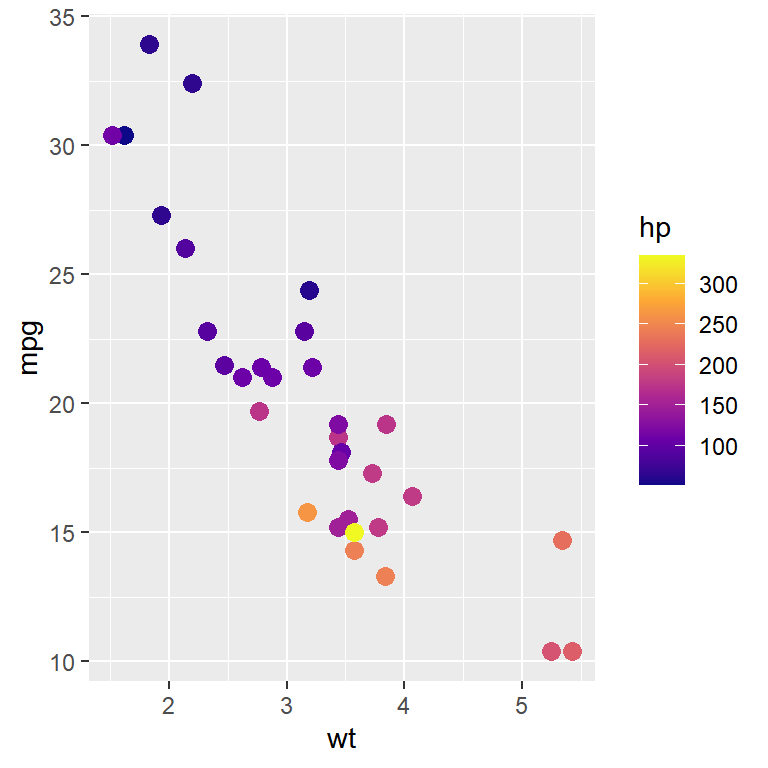
The viridis and RColorBrewer palettes are also available for continuous variables with scale_color_viridis_c and scale_color_distiller, respectively.
ggplot(mtcars, aes(x = wt, y = mpg, color = hp)) +
  geom_point(size = 3) +
  scale_color_viridis_c(option = "plasma")
# scale_color_distiller(palette = "Spectral")
Binned color scales
Instead of a continuous gradient you can divide the numerical variable into bins, each with a different color, with scale_color_steps (two colors), scale_color_steps2 (diverging) or scale_color_stepsn (any number of colors). The n.breaks argument controls the number of bins.
ggplot(mtcars, aes(x = wt, y = mpg, color = hp)) +
  geom_point(size = 3) +
  scale_color_steps(low = "#FFE5B4", high = "#B22222",
                    n.breaks = 6)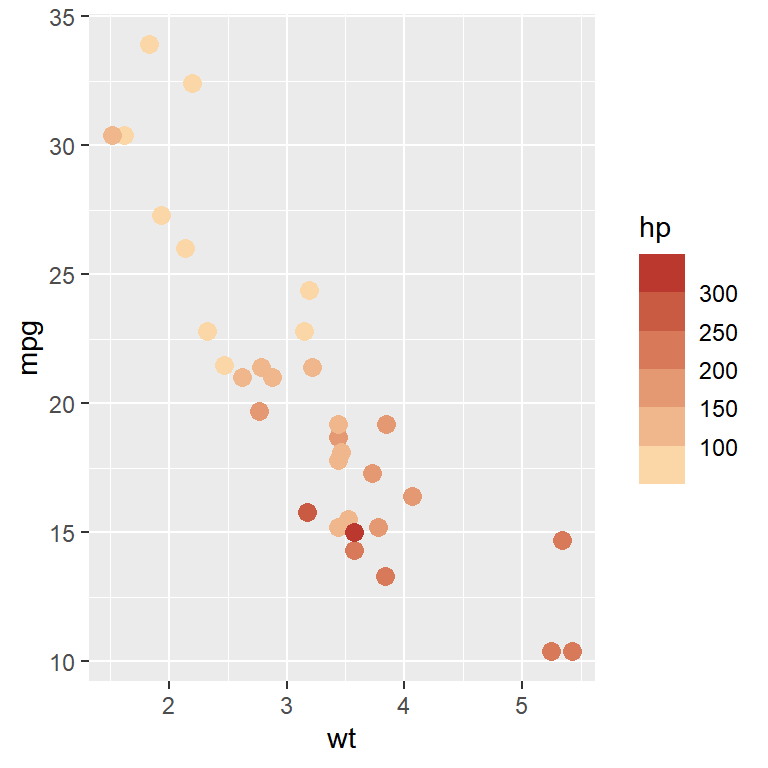
Transparency
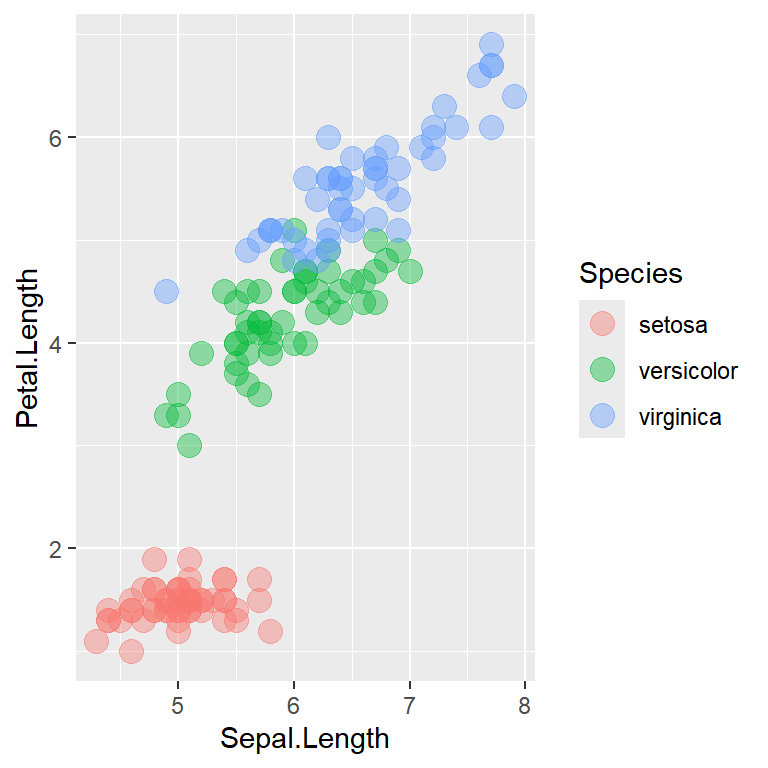
The alpha argument of the geoms controls the transparency of the colors, from 0 (fully transparent) to 1 (opaque). This is very useful to avoid overplotting when there are lots of observations.
ggplot(iris, aes(x = Sepal.Length, y = Petal.Length, color = Species)) +
  geom_point(size = 4, alpha = 0.4)
Change the default colors of all plots
If you always use the same colors you can change the default color scales of ggplot2 for the current session with the ggplot2.discrete.colour, ggplot2.discrete.fill, ggplot2.continuous.colour and ggplot2.continuous.fill options. All the plots created after setting the options will use the new colors.
options(ggplot2.discrete.colour = c("#264653", "#2A9D8F", "#E9C46A", "#E76F51"),
        ggplot2.discrete.fill = c("#264653", "#2A9D8F", "#E9C46A", "#E76F51"),
        ggplot2.continuous.colour = "viridis",
        ggplot2.continuous.fill = "viridis")
Master Statistics
Learn statistics from the basics to advanced techniques, clearly explained
Go to site